
How the two days work
Here's what happens each day, what you could build, and what we changed after the Summit.
Day 1 workshops, for every level
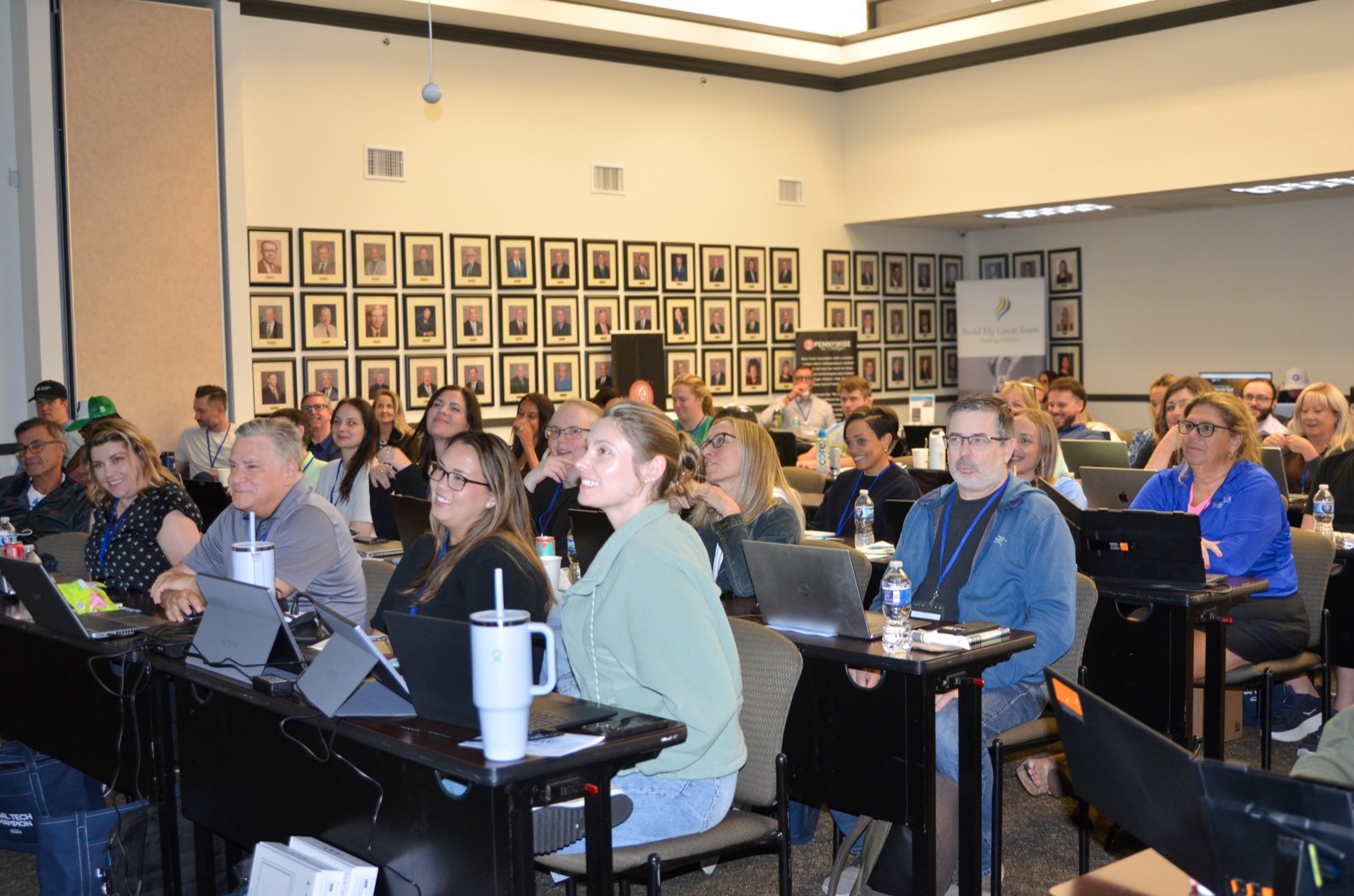
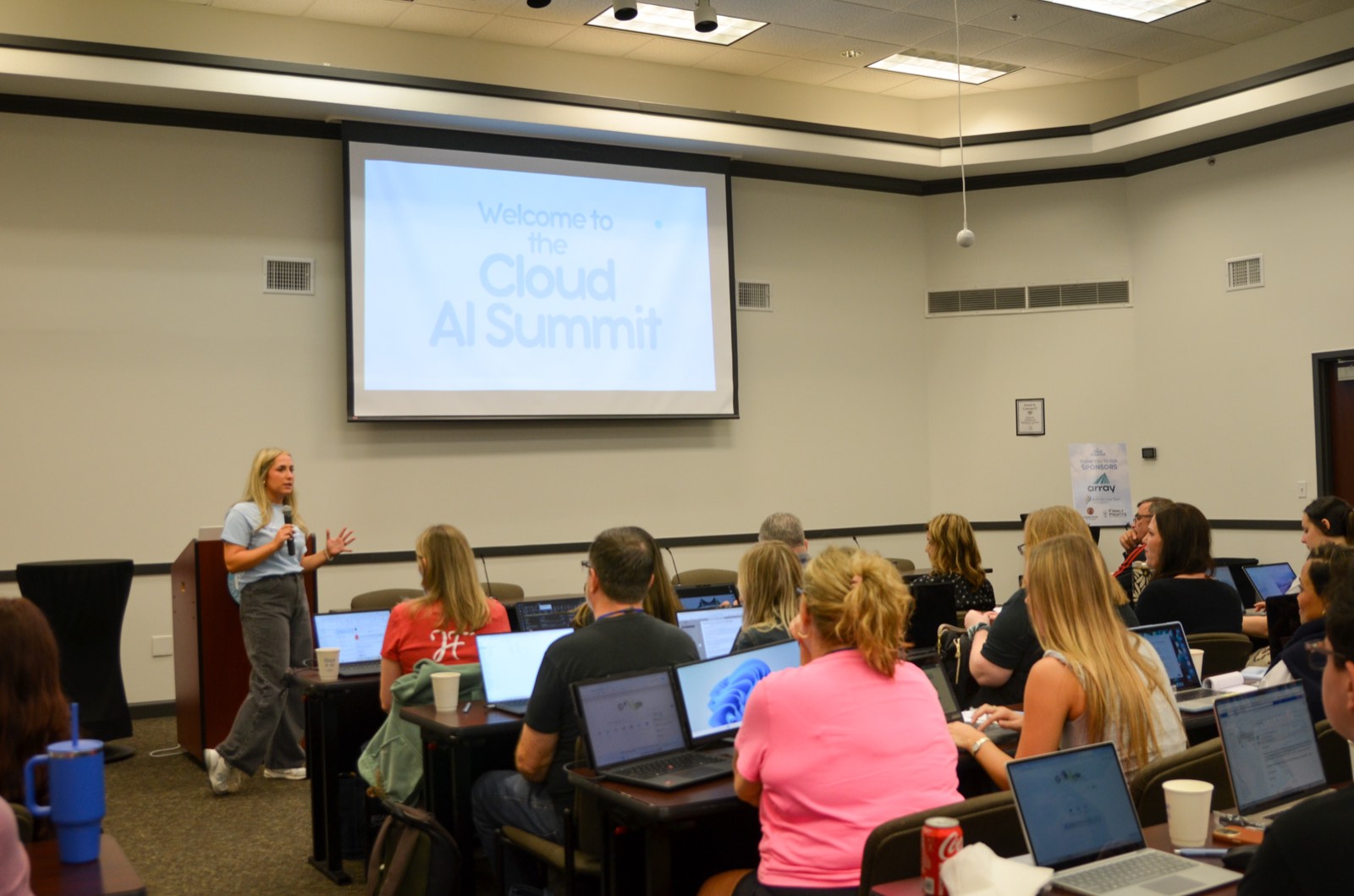
Day 1 is classroom seating with every experience level together. Each speaker teaches one hands-on workshop, up to an hour, and you follow along on your own laptop.
The workshops are built around law firm work: intake, client updates, drafting, reporting and the admin that fills up your week. The goal is that you finish each one with something working.
- Bring your laptop and charger
- Breakfast and lunch are included
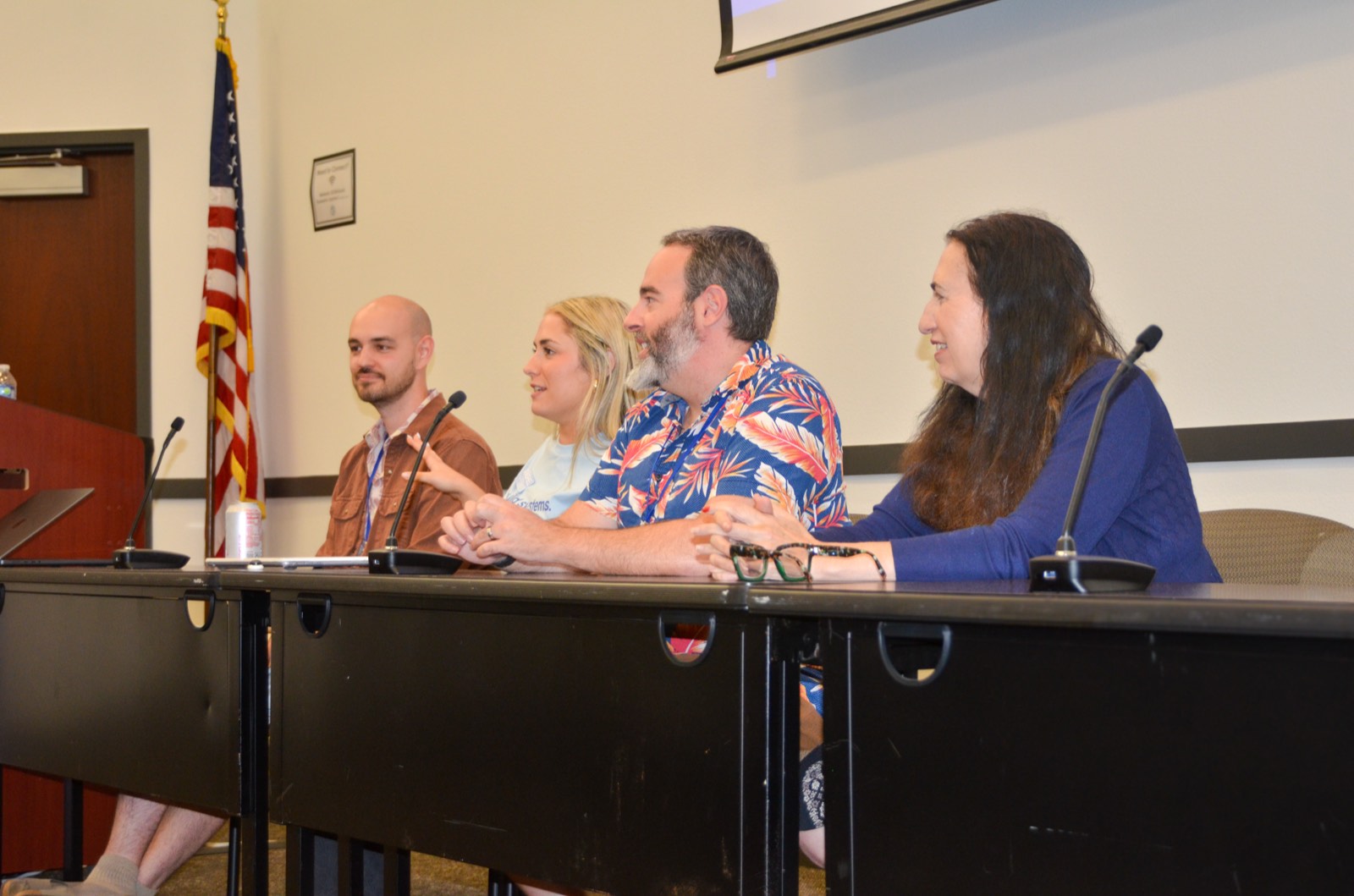
- Speakers and the Cloud925 team help in the room while you work
Breakout tables at your level
You pick a table that fits you, from first-timer to advanced. There are 8 to 10 tables with 10 to 12 people at each, and every table is led by an expert.
If you came with a teammate, you can sit together or split up.
Speakers on the floor
The speakers stay on the floor on Day 2 and walk the room helping anyone who gets stuck, whether that's setting up a connector or debugging an advanced build.
Two breakout sessions
One in the morning and one from 1:00 to 3:00. You can switch tables in between or keep going on the same build.
Show-and-tell, 3:00 to 4:30
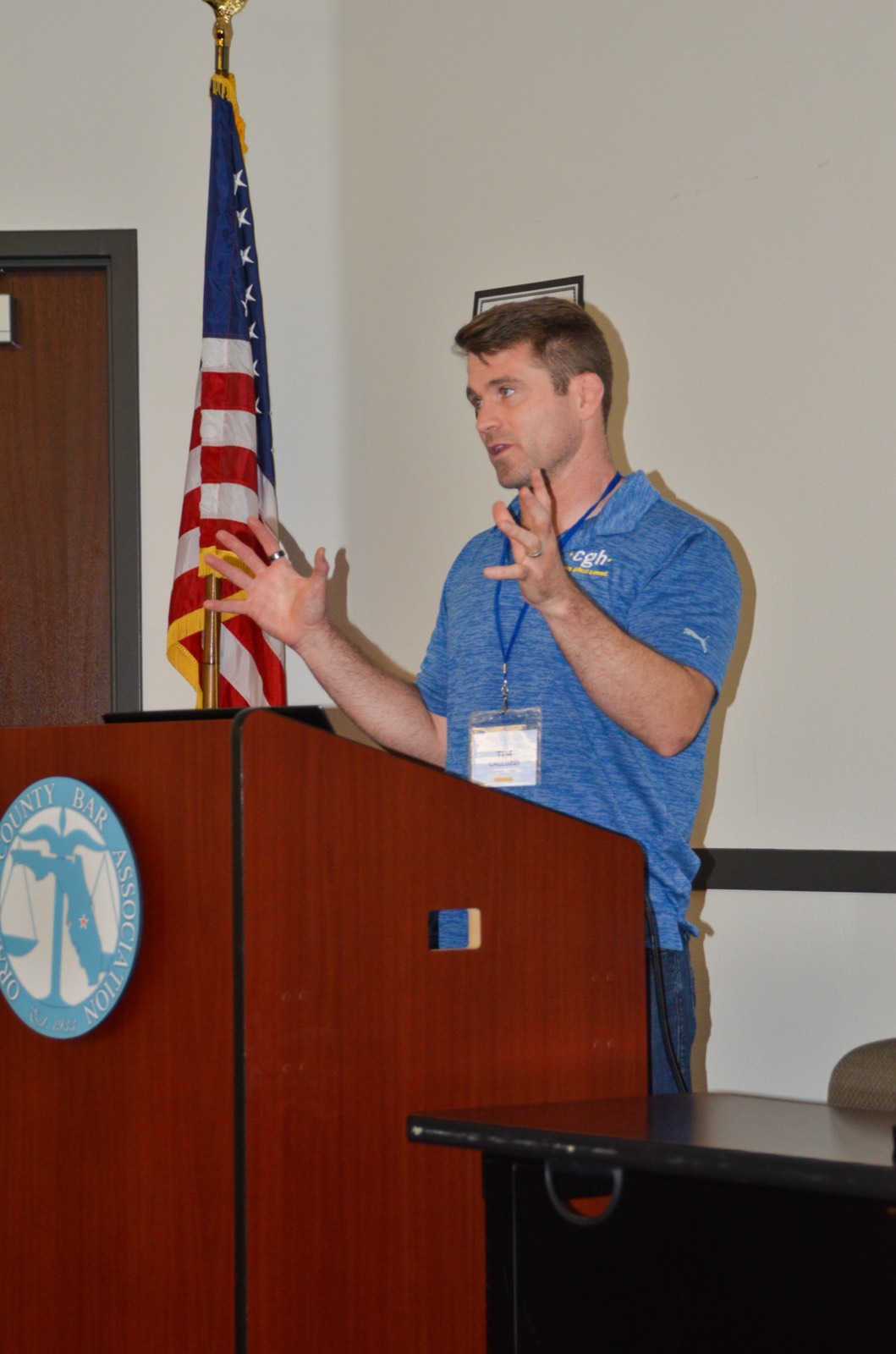
Anyone who wants to can show what they built, and nobody has to present. At the Summit people got about a minute each, so this time it has 90 minutes.
Twelve things you could build
All of these came out of the Summit or our work with small firms since. Pick one or two before you come so you know where to start. Each one shows the level it's suited to and who at the firm usually builds it.
- Starter:
- Never opened Claude is fine
- Builder:
- Used AI, ready to connect it to your tools
- Advanced:
- Already automating, want to go further
A daily morning briefing
Claude reads your calendar and inbox each morning and sends you the day's deadlines, new leads and anything that needs you.
Fillable client intake forms
Turn the intake questionnaire you already use into a form clients fill out online, so nobody retypes their answers.
A tech audit of everything you pay for
Give Claude your card statements and it lists every subscription, what it costs, where two tools overlap and when each one renews.
A month of social posts from a voice memo
Record yourself talking about what the firm did this week and turn it into posts that sound like you.
An intake lead-scoring app
Your intake team enters a new inquiry and gets a fit score based on your own screening criteria before the consult is booked.
Client case-status reports
A plain-English update on where the matter stands, saved to the client file and ready to email as a PDF.
A past-due report that creates tasks
Anything overdue or coming due turns into a task for the right staff member and the responsible attorney.
An eligibility screener
Last summer's examples were expungement and Medicaid. You answer the screening questions and get the result and the next step.
Email filing into the right matter
Staff file a client email and its attachments to the matter in your case management system without downloading and re-uploading.
Welcome packets from your own templates
When a new client signs, the packet for their practice area is filled in with their details and ready to send.
A firm KPI dashboard
Pull live numbers from Clio, QuickBooks, Gusto or Google Analytics into one dashboard that refreshes on its own.
A discovery skill
A Claude skill that organizes a document production, summarizes it and flags what to read first.
Have something else in mind? Bring it. You can work on your own idea at any Day 2 table.
The AI Basics Kickstart
If you're newer to AI, this is for you. It's a beginner guide we're releasing by January 1. You can work through it over the holidays and arrive with Claude set up and the basic terms down.
At the Summit, the room ranged from people who had never opened Claude to people already working in Claude Code. Tell us your level and we'll point you to the right table on Day 2.
What we changed after the Summit
We asked every attendee what would have made it better. These were the most common answers and what we did about them.
They asked for
Separate skill levels
Day 2 is breakout sessions by level, from first-timer to advanced.
They asked for
A bigger room
CloudCon has room for 100 people. The Summit sold out at 40.
They asked for
More time to build
All of Day 2 is building time, with the speakers on the floor.
They asked for
More time to present what we built
Show-and-tell closes Day 2 and gets 90 minutes instead of a quick lightning round. Presenting is optional.
Practice areas
Most of what you'll build is about running the firm, so it works across practice areas. These were all in the room at the Summit:
- Estate planning
- Probate
- Elder law
- Family law
- Personal injury
- Criminal defense
- Civil litigation
- Immigration
- Business law
- Employment
- Real estate
Get your ticket
January 21 to 22, 2027 at the Drury Plaza Hotel Orlando, Disney Springs Area